Our Top Courses
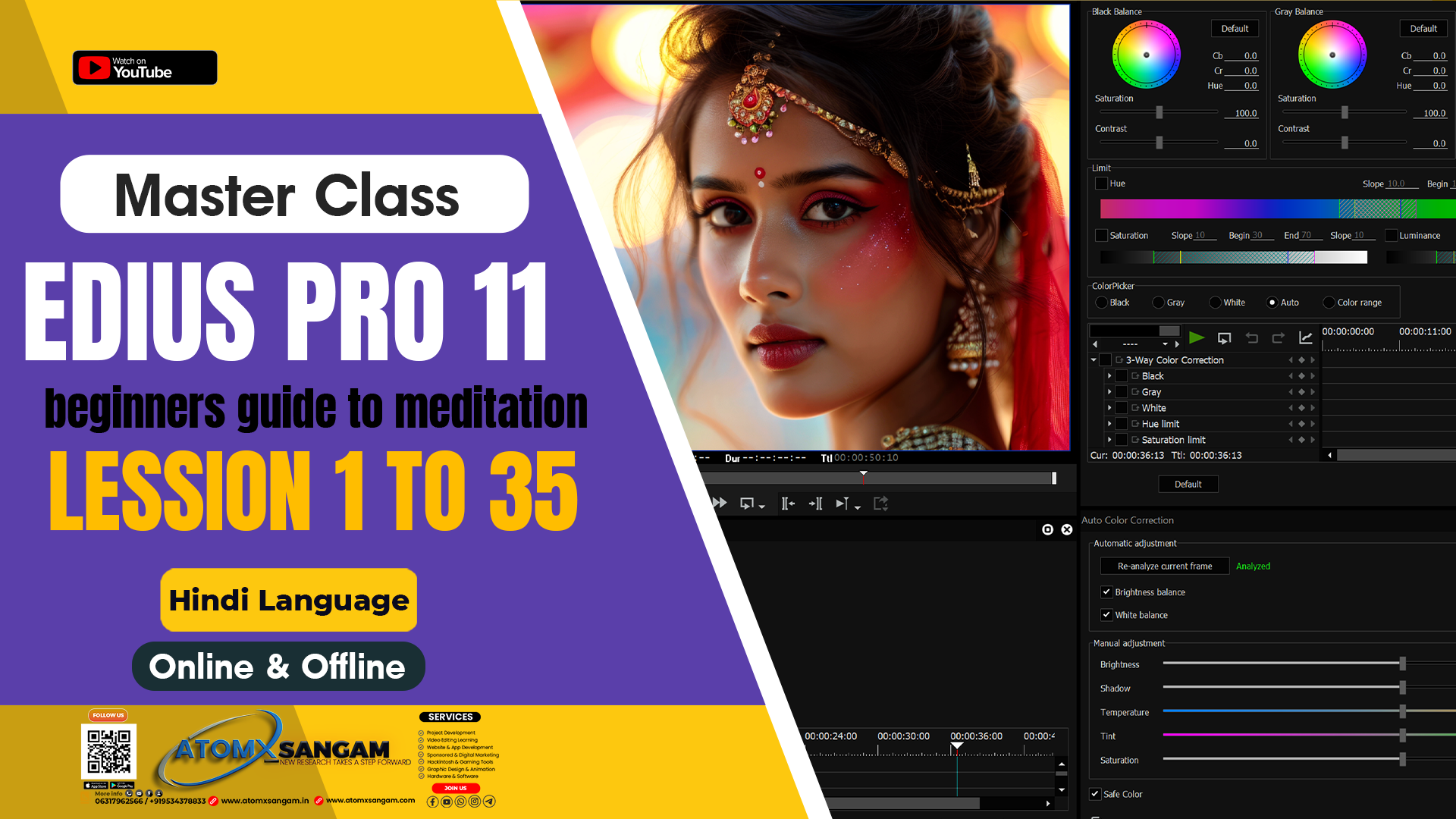
💻 EDIUS Pro 11 – Wedding Video Editing 📽️ Traditional & Cinematic Style
Original price was: ₹5,999.00.₹3,199.00Current price is: ₹3,199.00.
🎬 Adobe Premiere Pro – Wedding Video Editing Course
Original price was: ₹7,499.00.₹4,199.00Current price is: ₹4,199.00.
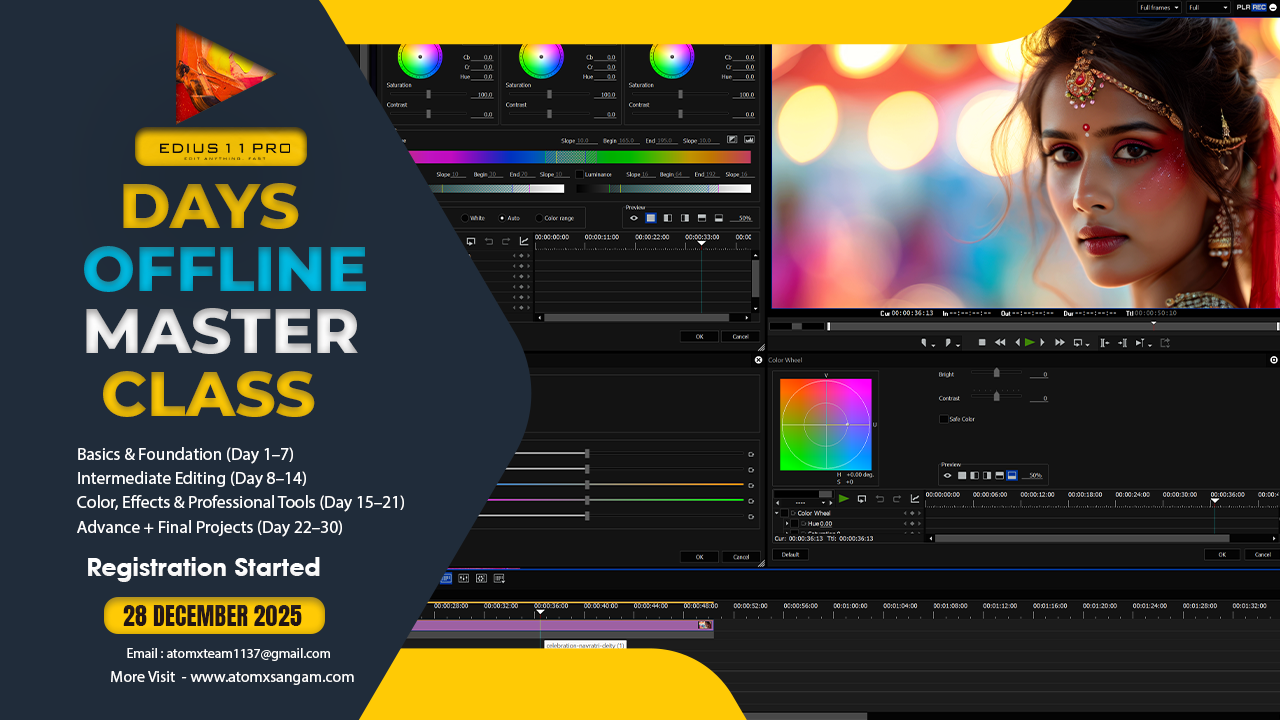
🎬 EDIUS Pro 11 – 30 Days Traditional & Cinematic Offline Video Editing Master Class
Original price was: ₹18,499.00.₹12,499.00Current price is: ₹12,499.00.

AtomX SANGAM IS A Video Editing Cinematography & Photography Learning Website Here You Are Taught Editing From Beginner to advance Level Offline Master Course

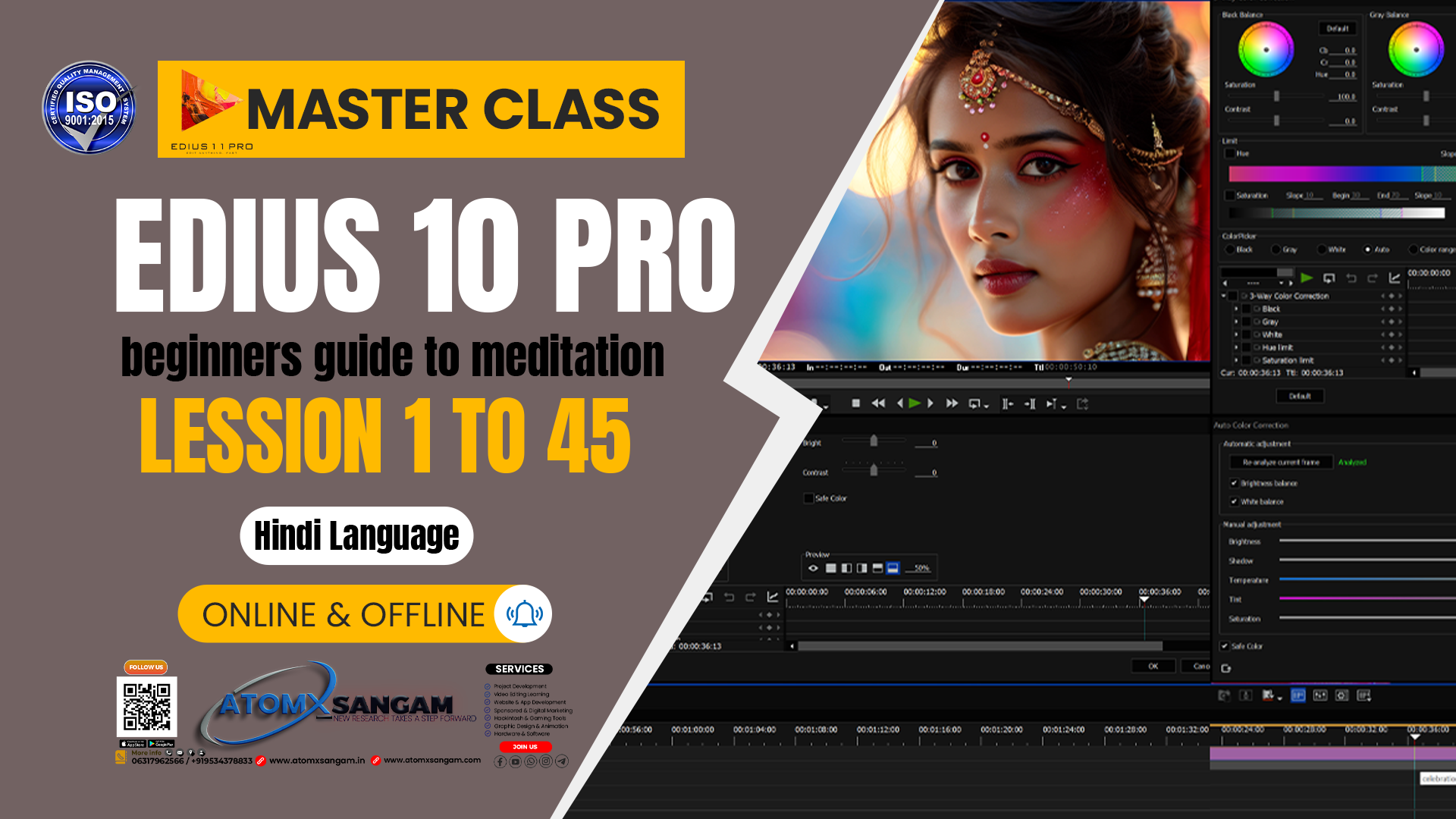
About Course
🎬
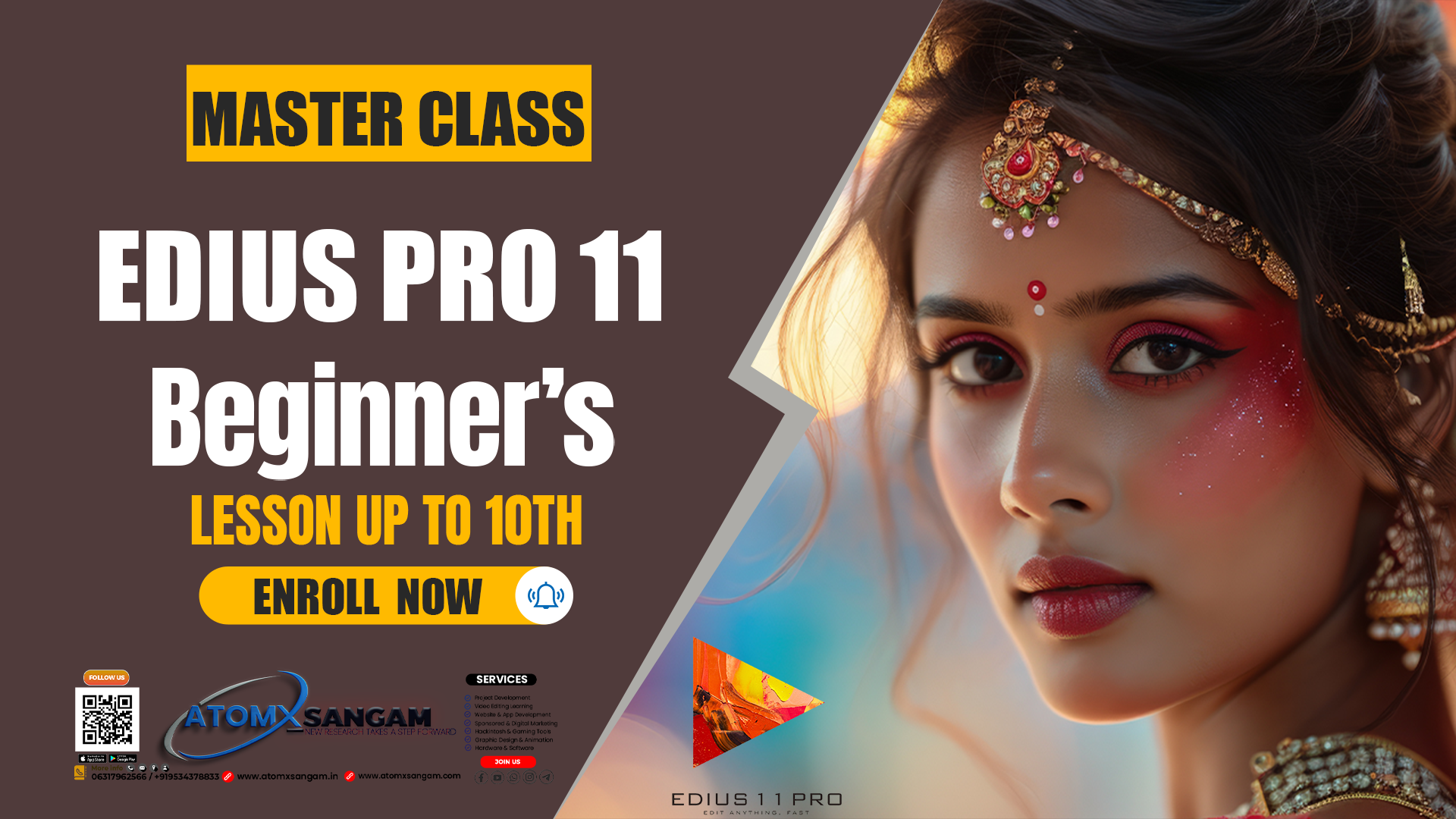
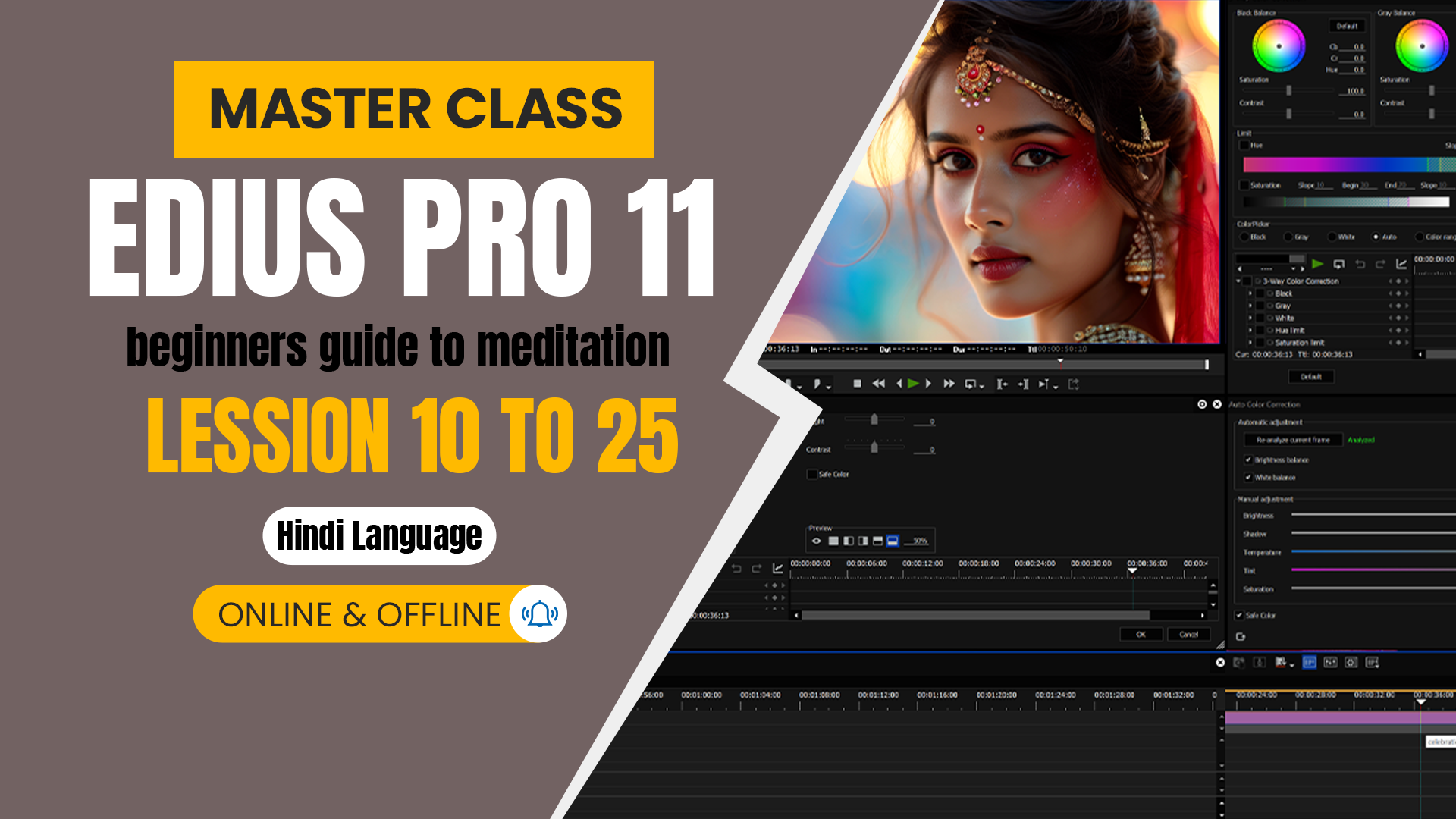
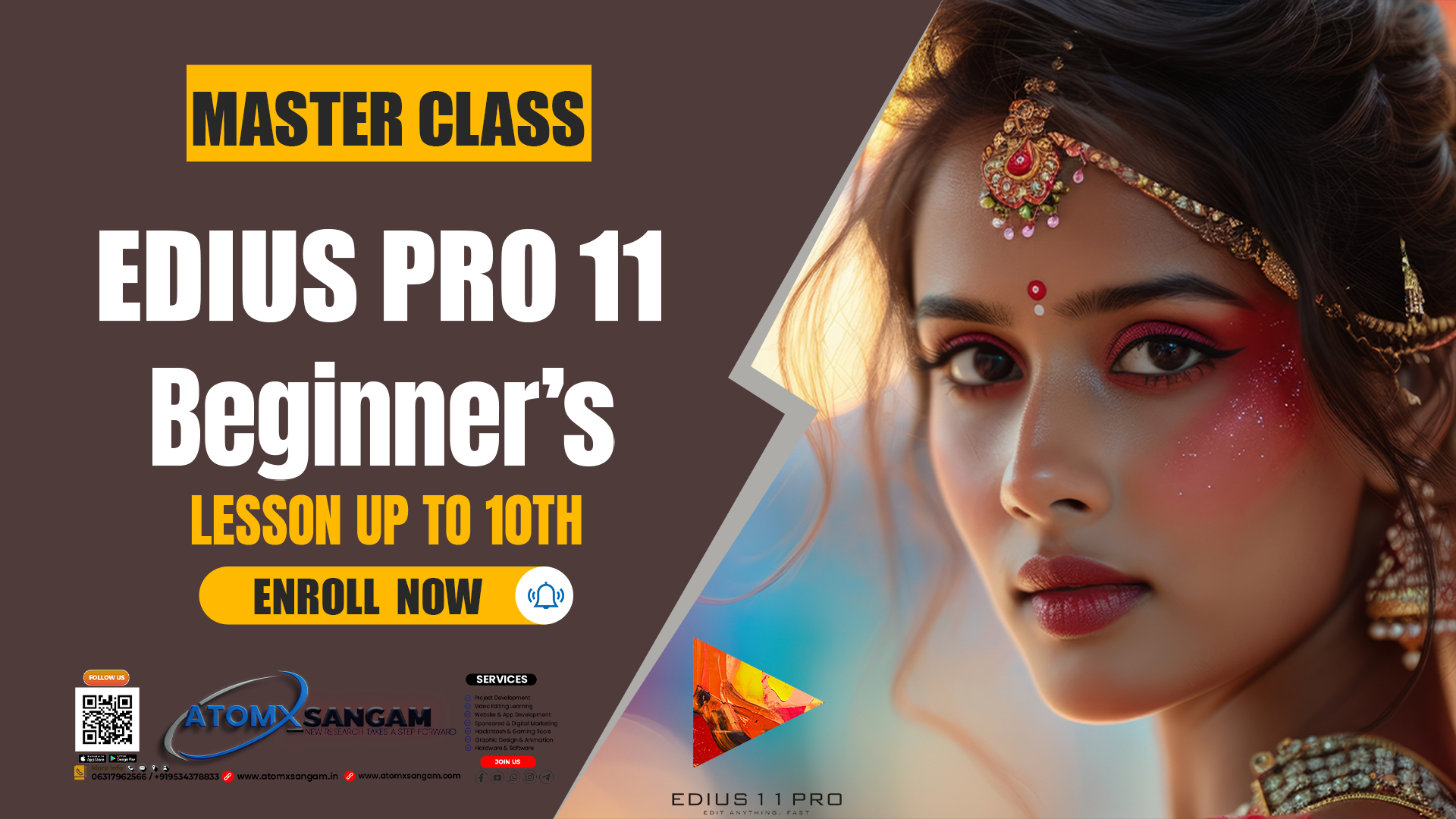
EDIUS Pro 11 Lessons Overview
Lesson 1: Introduction & Setup
-
Installing and activating EDIUS Pro 11.
-
Understanding system requirements.
-
Overview of the interface: timeline, bins, preview monitor, tools panel.
-
Creating a new project and setting project parameters (resolution, frame rate).
Lesson 2: Basic Editing
-
Importing media (video, audio, images).
-
Cutting, trimming, and arranging clips on the timeline.
-
Ripple and roll edits.
-
Undo/redo and saving project versions.
Lesson 3: Transitions & Effects
-
Adding video and audio transitions.
-
Applying filters and motion effects.
-
Keyframing basic animations (zoom, pan, move).
Lesson 4: Audio Editing
-
Adjusting audio levels.
-
Noise reduction and audio effects.
-
Syncing audio with video.
-
Adding background music and voice-over.
Lesson 5: Titles & Graphics
-
Adding static and animated titles.
-
Lower thirds and overlays.
-
Using templates and customizing fonts, colors, and positions.
Lesson 6: Multi-Camera Editing
-
Setting up multi-cam projects.
-
Switching angles in real time.
-
Synchronizing footage from multiple cameras.
Lesson 7: Color Correction & Grading
-
Correcting exposure, white balance, and saturation.
-
Using color wheels, curves, and secondary color correction.
-
Applying LUTs for cinematic looks.
Lesson 8: Advanced Editing Techniques
-
Green screen (chroma key) editing.
-
Nesting sequences and using multiple timelines.
-
Advanced keyframing for complex animations.
Lesson 9: Exporting & Delivery
Exporting in different formats (MP4, MOV, MXF).
-
Presets for YouTube, TV, and film.
-
Understanding codecs, bitrates, and quality settings.
Lesson 10: Practice Projects
-
Short video editing project.
-
Wedding/event highlight reel.
-
Cinematic trailer or YouTube video.
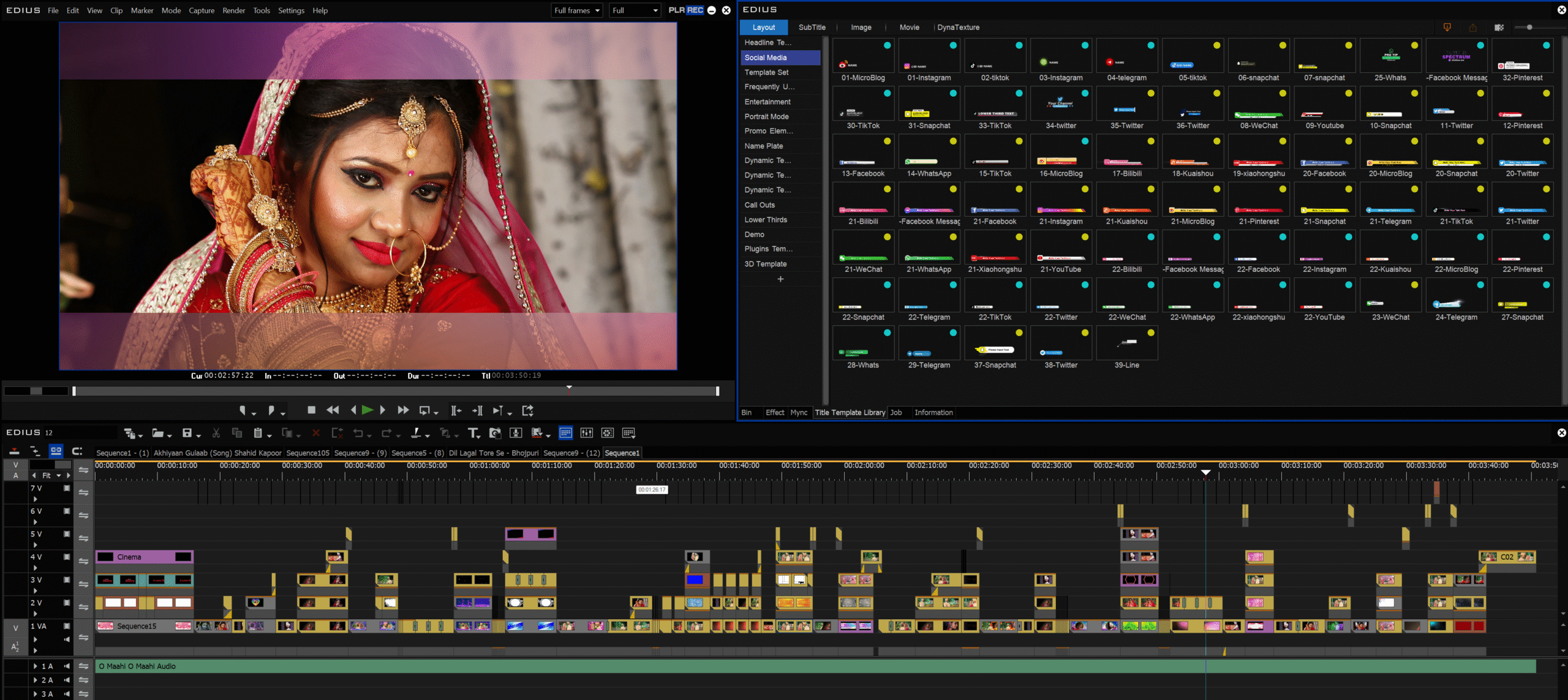
Benefits of the course
- 📚 EDIUS में क्या-क्या सीख सकते हैं?
- 1. बेसिक एडिटिंग
- • वीडियो, ऑडियो और फोटो इम्पोर्ट करना
- • कट, ट्रिम और क्लिप्स को जोड़ना
- • टाइमलाइन पर क्लिप्स अरेंज करना
- 2. ट्रांज़िशन और इफेक्ट्स
- • वीडियो के बीच स्मूथ ट्रांज़िशन लगाना
- • फिल्टर्स और मोशन इफेक्ट्स यूज़ करना
- • कलर करेक्शन करना
- 3. ऑडियो एडिटिंग
- • आवाज़ का लेवल एडजस्ट करना
- • नॉइज़ हटाना
- • वीडियो और ऑडियो को सिंक करना
- 4. टाइटल्स और ग्राफिक्स
- • टेक्स्ट, सबटाइटल और नाम (लोअर थर्ड्स) डालना
- • इंट्रो/आउट्रो बनाना
- 5. मल्टीकैम एडिटिंग
- • शादी, इवेंट या कॉन्सर्ट जैसी वीडियो में
- एक साथ कई कैमरों की फुटेज एडिट करना
- 6. कलर करेक्शन और ग्रेडिंग
- • वीडियो का रंग और लाइट सही करना
- • सिनेमैटिक लुक देना
- 7. एक्सपोर्ट करना
- • यूट्यूब, टीवी, मूवी या मोबाइल के लिए
- सही फॉर्मेट में वीडियो सेव करना
- 8. एडवांस टेक्निक्स
- • की-फ्रेमिंग (एनिमेशन, ज़ूम, पैन)
- • ग्रीन स्क्रीन (क्रोमा की) एडिटिंग
- • 4K/8K और HDR वीडियो पर काम करना
- ⸻
- 👉 आसान भाषा में कहें तो, EDIUS सीखकर आप किसी भी कच्ची वीडियो को प्रोफेशनल मूवी, शॉर्ट फिल्म या यूट्यूब वीडियो में बदल सकते हैं।
- 📖 Instructions for Learning EDIUS
- Step 1: Setup
- • Install EDIUS on your PC/laptop
- • Organize your practice materials (video, audio, graphics) in folders
- Step 2: Learn Basics
- • Understand interface (timeline, preview monitor, bins, effects panel)
- • Learn basic cuts, trims, and arranging clips
- Step 3: Intermediate Skills
- • Apply transitions & effects
- • Add titles, lower thirds, and graphics
- • Learn audio editing & syncing
- Step 4: Advanced Editing
- • Multi-cam editing
- • Green screen (chroma key)
- • Color correction & grading with LUTs
- Step 5: Exporting
- • Learn different formats (MP4, MOV, MXF, etc.)
- • Optimize settings for YouTube, TV, or film
- Step 6: Practice Projects
- • Make a short trailer
- • Create a wedding highlight reel
- • Edit a YouTube-style vlog or intro
Course Content
-
🎬 Starting a Video Editing Business | Set Up Your Busines | Find Clients Scale Your Business
-
System Requirements (for EDIUS X/Pro) Best Hardware Smooth Editing
-
Quick Start Application Main Interface | Create Customer’s Project & Data Backup
-
New Project button Project Setting Resolution Frame Rate | Horizontal & Vertical Mode
-
EDIUS Pro 11 Internal Hardware Settings | GPU / Video Card Settings | GPU Video Playback Settings
-
📌 EDIUS Pro 11 Keyboard Shortcuts | Besic Editing | Export & Import Keyboard Key
-
EDIUS Pro 11 Layout & Window Settings | Understanding the Main Windows
Instructor

TOP COURSE
More Course By AtomX Support
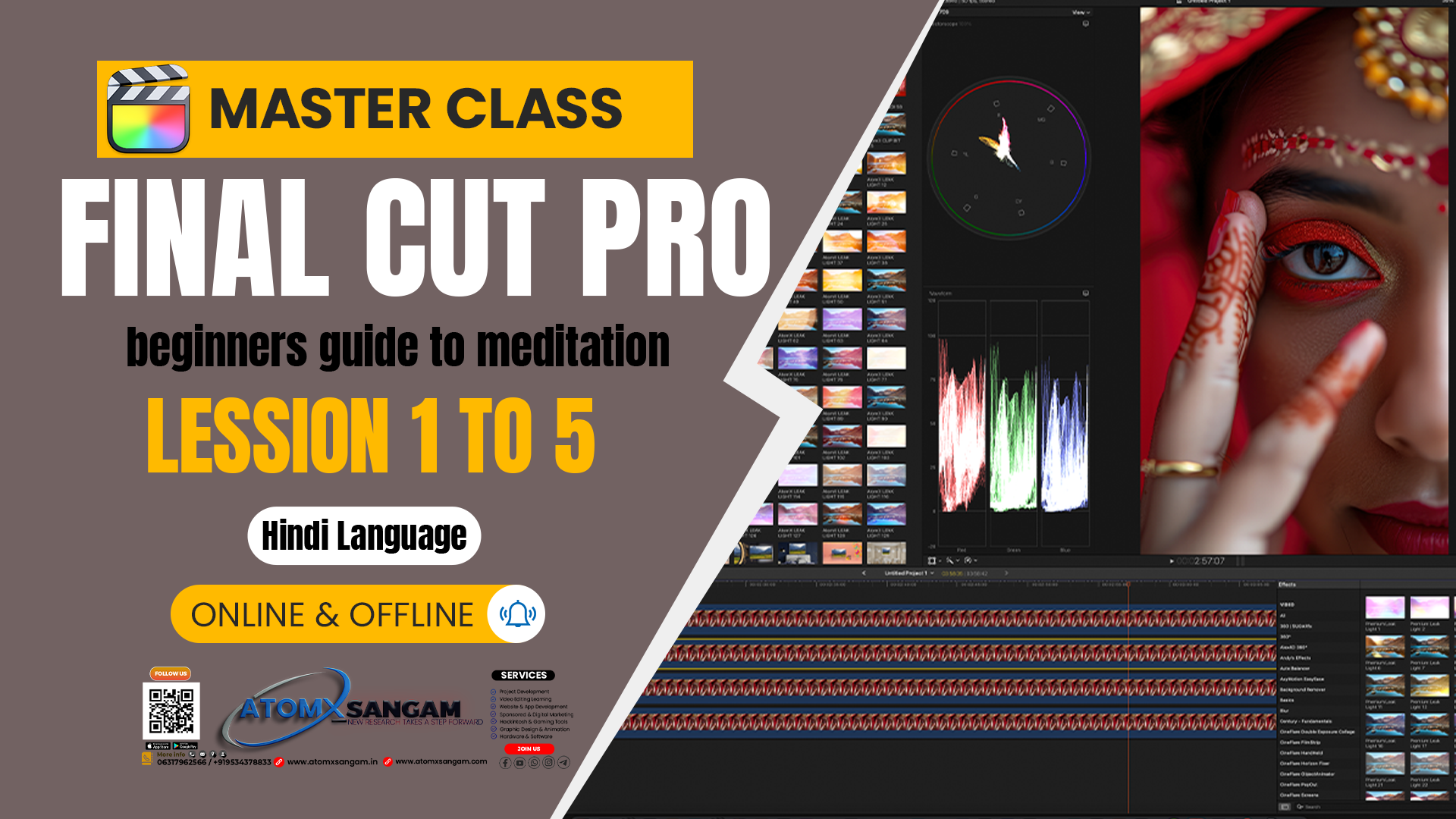
Final Cut Pro 12 Master Course Offline | Beginners, YouTubers, Event/Wedding Editors,Freelancers
🎬 Final Cut Pro में आप क्या सीखेंगे?…
Free
Learn More
💻 EDIUS Pro 11 – Wedding Video Editing 📽️ Traditional & Cinematic Style
🎬 35 Recorded Clip Master Class 💻 EDIUS Pro 11…
Original price was: ₹5,999.00.₹3,199.00Current price is: ₹3,199.00.
🎬 Adobe Premiere Pro – Wedding Video Editing Course
📚 Course Overview यह कोर्स उन लोगों के लिए है…

Original price was: ₹7,499.00.₹4,199.00Current price is: ₹4,199.00.
Explore All Products
Related Course
Final Cut Pro 12 Master Course Offline | Beginners, YouTubers, Event/Wedding Editors,Freelancers
🎬 Final Cut Pro में आप क्या सीखेंगे?…
Free
Learn More
🎬 EDIUS Pro 11 – 30 Days Traditional & Cinematic Offline Video Editing Master Class

Original price was: ₹18,499.00.₹12,499.00Current price is: ₹12,499.00.
🎬 Cinematic Video Editing in Final Cut Pro 11 | Offline Master Class
🎬 Cinematic Video Editing FCPX 11 …
Original price was: ₹19,500.00.₹15,499.00Current price is: ₹15,499.00.
Besic to Intermediate Offline Master Class EDIUS Pro 11 Video Editing
Original price was: ₹18,500.00.₹14,999.00Current price is: ₹14,999.00.