Our Top Courses
🎬 Adobe Premiere Pro – Wedding Video Editing Course
Original price was: ₹7,499.00.₹4,199.00Current price is: ₹4,199.00.
💻 EDIUS Pro 11 – Wedding Video Editing 📽️ Traditional & Cinematic Style
Original price was: ₹5,999.00.₹3,199.00Current price is: ₹3,199.00.
🎬 EDIUS Pro 11 – 30 Days Traditional & Cinematic Offline Video Editing Master Class
Original price was: ₹18,499.00.₹12,499.00Current price is: ₹12,499.00.
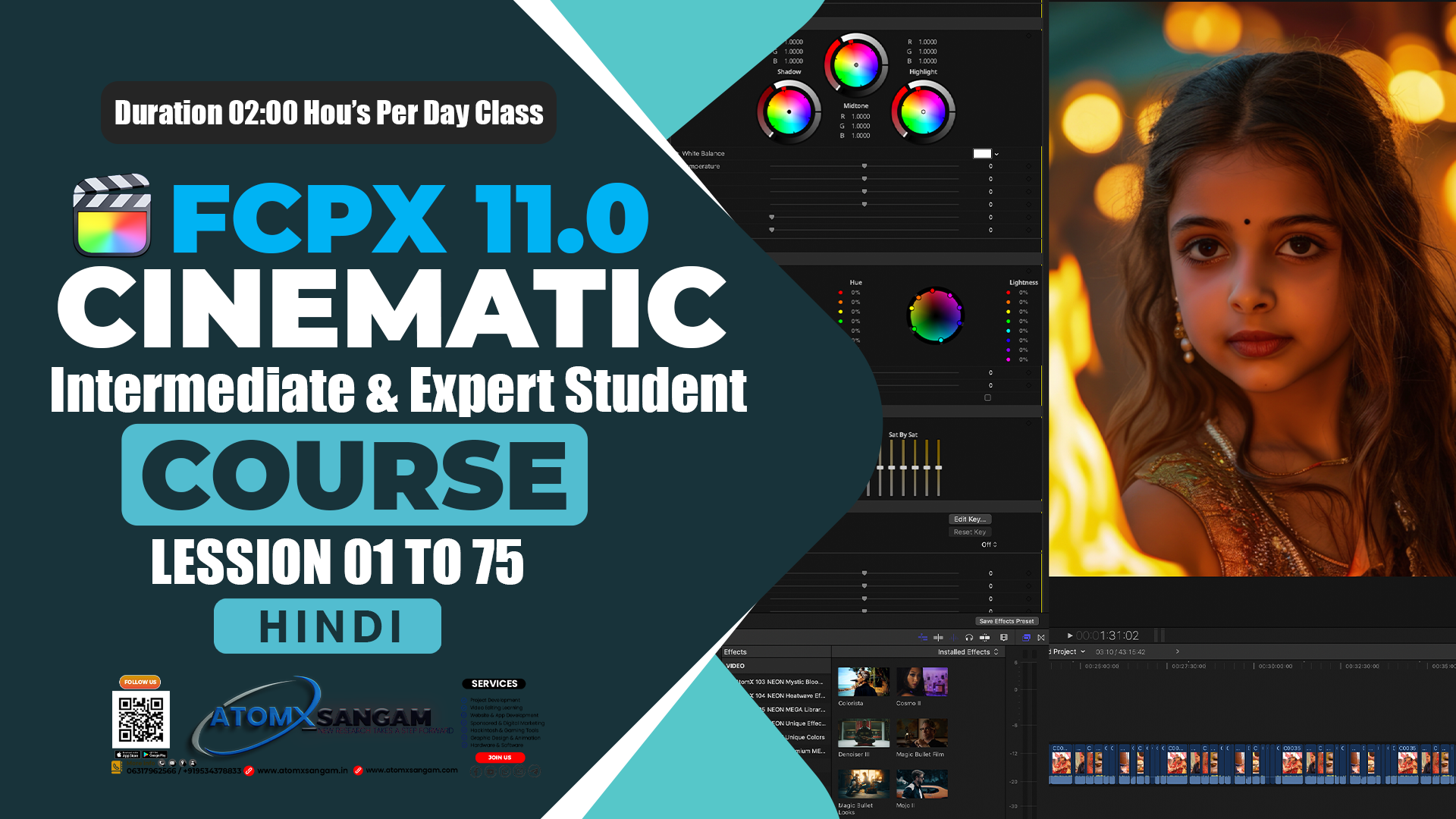
🎬 Cinematic Video Editing in Final Cut Pro 11 | Offline Master Class
Original price was: ₹19,500.00.₹15,499.00Current price is: ₹15,499.00.

AtomX SANGAM IS A Video Editing Cinematography & Photography Learning Website Here You Are Taught Editing From Beginner to advance Level Offline Master Course

About Course
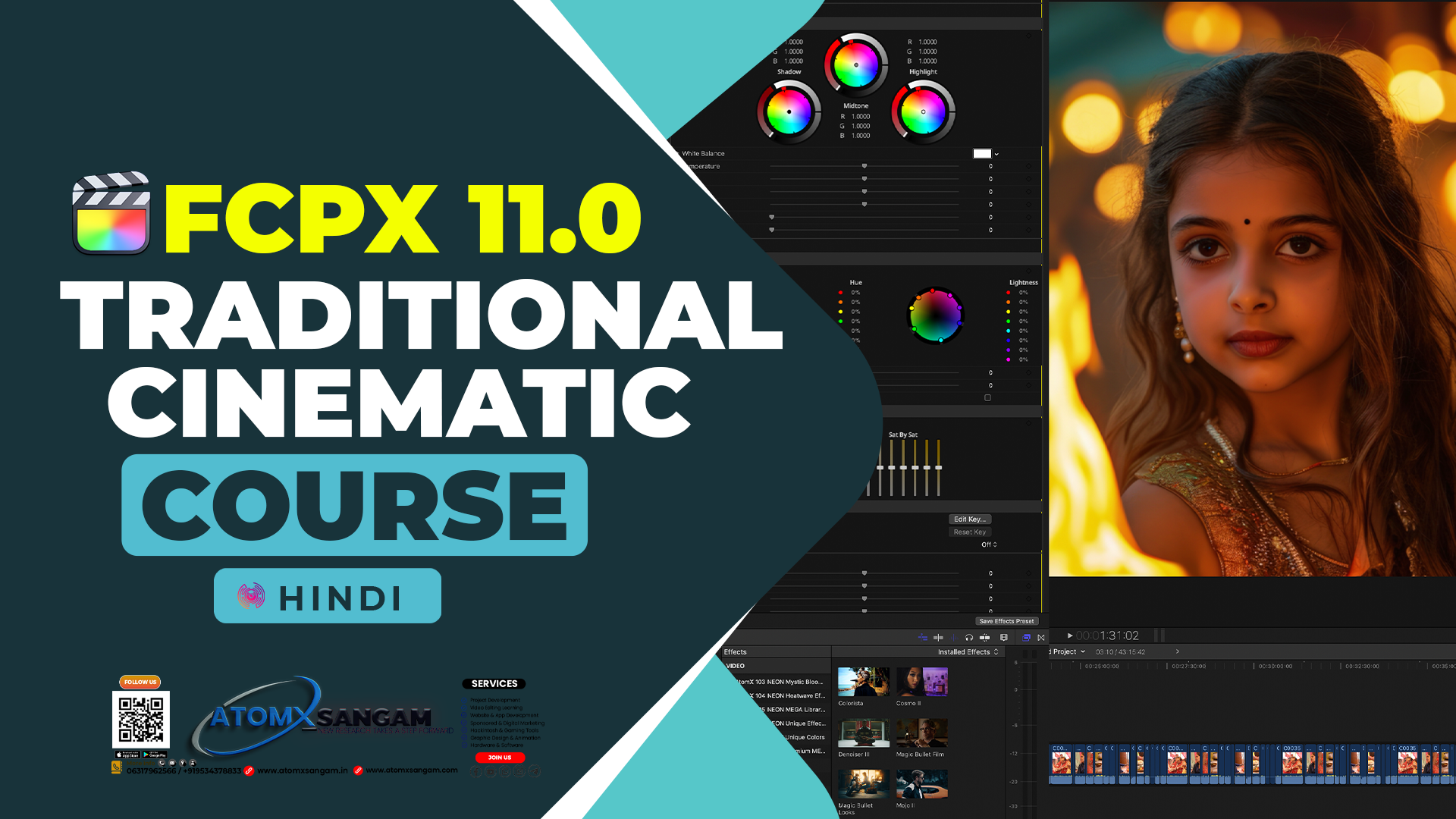
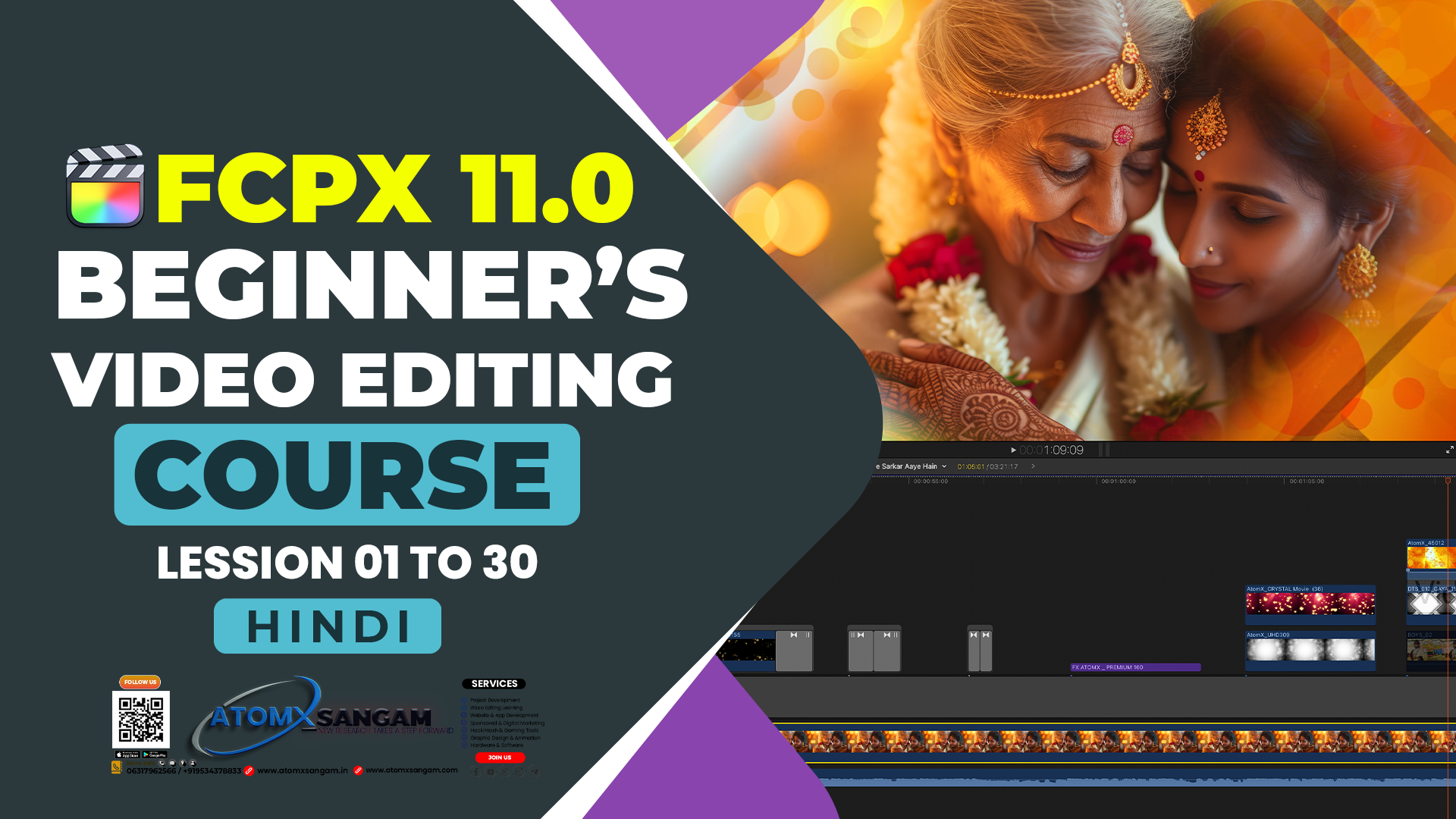
🎬 Cinematic Video Editing FCPX 11
1. Project Setup
-
Open Final Cut Pro → New Project.
-
Set Resolution: 1920×1080 (Full HD) or 4K UHD.
-
Set Frame Rate: 24 fps for cinematic look.
-
Choose Color Space: Wide Gamut HDR for better color grading.
2. Import & Organize Media
-
Import all your footage, audio, and graphics.
-
Organize media into Events / Libraries:
-
Ceremony
-
Couple Shots / Portraits
-
Candid / Guest Shots
-
Music / Sound Effects
-
-
Use Keyword Collections to tag clips (e.g., slow motion, drone shots).
3. Rough Cut
-
Place clips on the timeline in story order.
-
Trim unnecessary parts.
-
Sync audio and video if using multi-camera or separate audio sources.
-
Keep the storyline clear: intro → rituals → couple moments → highlights → ending.
4. Fine Editing
-
Use J-Cuts & L-Cuts to smoothly transition audio between clips.
-
Add slow motion to dramatic or emotional moments.
-
Apply speed ramps for dynamic sequences.
-
Keep transitions minimal: Cuts, Cross Dissolves, Fade In/Out.
5. Color Correction & Grading
-
Correct White Balance, Exposure, Contrast, and Saturation.
-
Apply cinematic LUTs for a film look.
-
Adjust shadows and highlights for depth.
-
Optional: Add Vignette for focus on the subject.
6. Audio Editing & Sound Design
-
Add background music (emotional or cinematic score).
-
Mix ambient sounds like crowd, birds, and environment.
-
Balance music and dialogues using the Audio Inspector.
7. Titles & Graphics
-
Add Opening Titles with couple’s names.
-
Use Lower Thirds for ceremony names or speakers.
-
Add End Credits / Thank You Card.
-
Choose clean fonts and minimal animation for cinematic elegance.
8. Effects & Enhancements
-
Subtle film grain for texture.
-
Optional light leaks or lens flares for cinematic style.
-
Use transform / crop / position for framing shots perfectly.
9. Export
-
Format: H.264 or H.265 (MP4 / MOV).
-
Resolution: Full HD or 4K UHD.
-
Frame Rate: 24fps for cinematic feel.
-
Export different versions:
-
Full wedding video
-
Highlight / cinematic version (short 3–10 minutes).
-
✅ Summary:
Cinematic Editing in Final Cut Pro = Proper project setup → Organized media → Rough cut → Fine editing with J/L cuts → Color grading → Audio & Music → Titles → Subtle effects → High-quality export.
Instructor

TOP COURSE
More Course By AtomX Support
🎬 Adobe Premiere Pro – Wedding Video Editing Course
📚 Course Overview यह कोर्स उन लोगों के लिए है…

Original price was: ₹7,499.00.₹4,199.00Current price is: ₹4,199.00.
💻 EDIUS Pro 11 – Wedding Video Editing 📽️ Traditional & Cinematic Style
🎬 35 Recorded Clip Master Class 💻 EDIUS Pro 11…
Original price was: ₹5,999.00.₹3,199.00Current price is: ₹3,199.00.
🎬 EDIUS Pro 11 – 30 Days Traditional & Cinematic Offline Video Editing Master Class

Original price was: ₹18,499.00.₹12,499.00Current price is: ₹12,499.00.
Explore All Products
Related Course
🎬 EDIUS Pro 11 – 30 Days Traditional & Cinematic Offline Video Editing Master Class
Original price was: ₹18,499.00.₹12,499.00Current price is: ₹12,499.00.
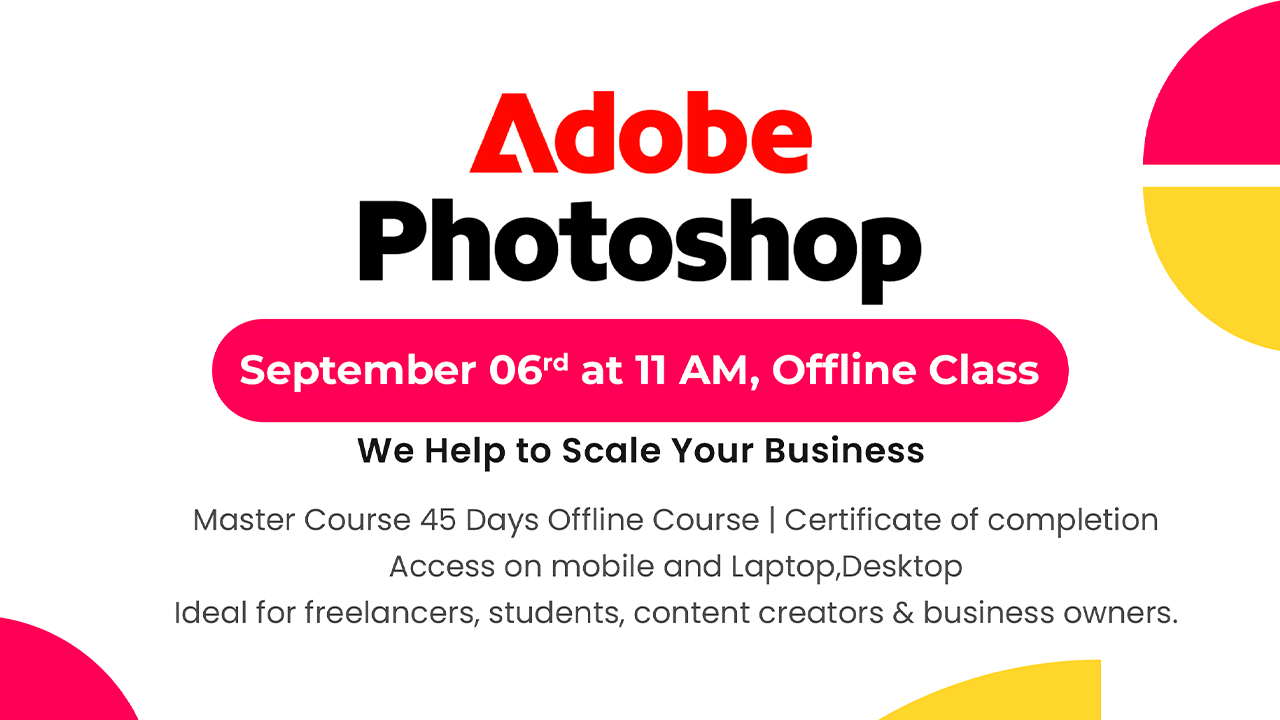
Adobe Photoshop Course For Beginners in Hindi | Offline Master Class
Adobe Photoshop Course For Beginners in Hindi | Offline Master…
Original price was: ₹16,500.00.₹12,500.00Current price is: ₹12,500.00.
Final Cut Pro 11 Master Course Offline | Beginners, YouTubers, Event/Wedding Editors,Freelancers
🎬 Final Cut Pro में आप क्या सीखेंगे?…
Original price was: ₹30,000.00.₹18,499.00Current price is: ₹18,499.00.
🎬 Cinematic Video Editing in Final Cut Pro 11 | Offline Master Class
Original price was: ₹19,500.00.₹15,499.00Current price is: ₹15,499.00.