Our Top Courses
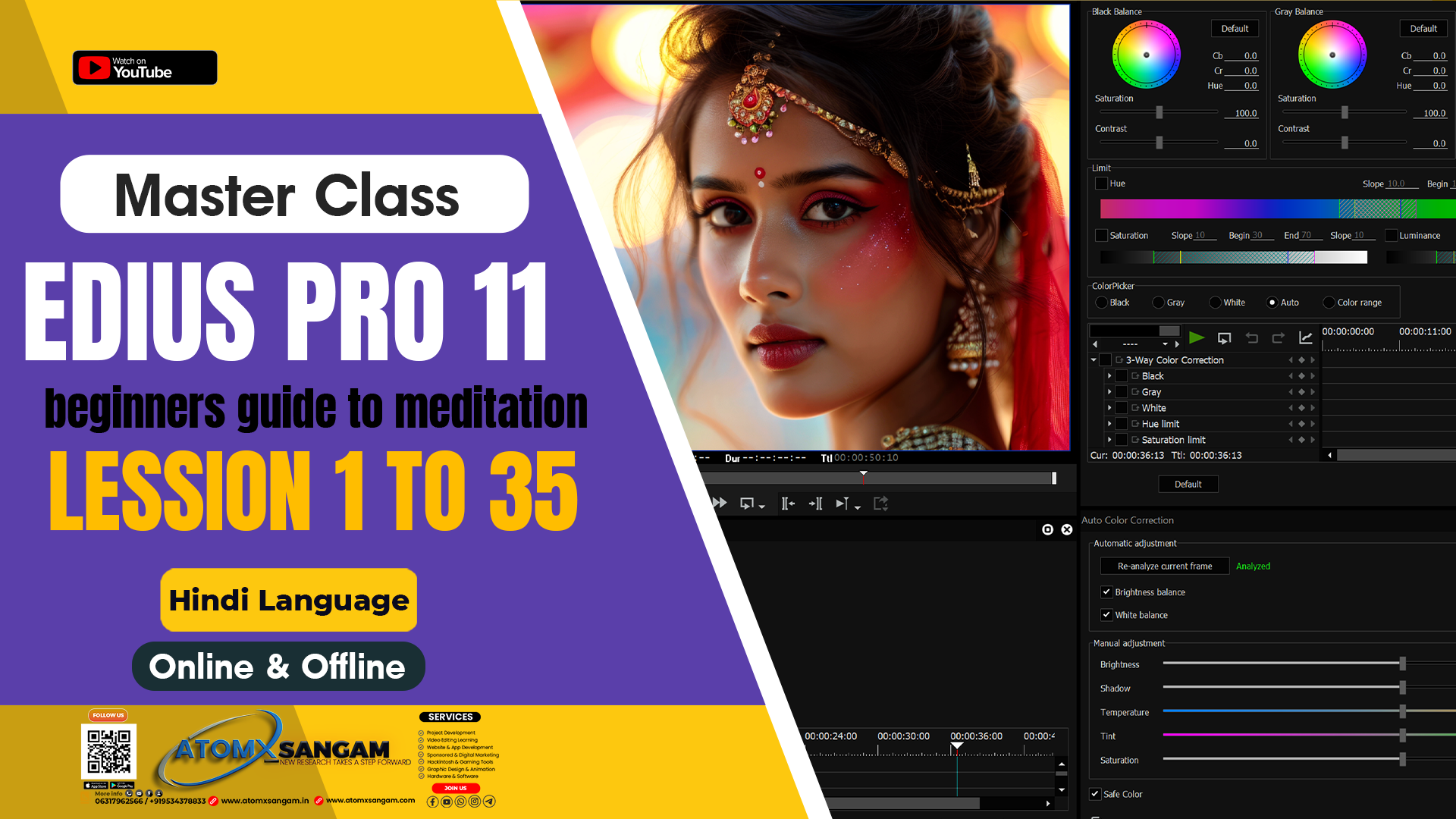
💻 EDIUS Pro 11 – Wedding Video Editing 📽️ Traditional & Cinematic Style
Original price was: ₹5,999.00.₹3,199.00Current price is: ₹3,199.00.
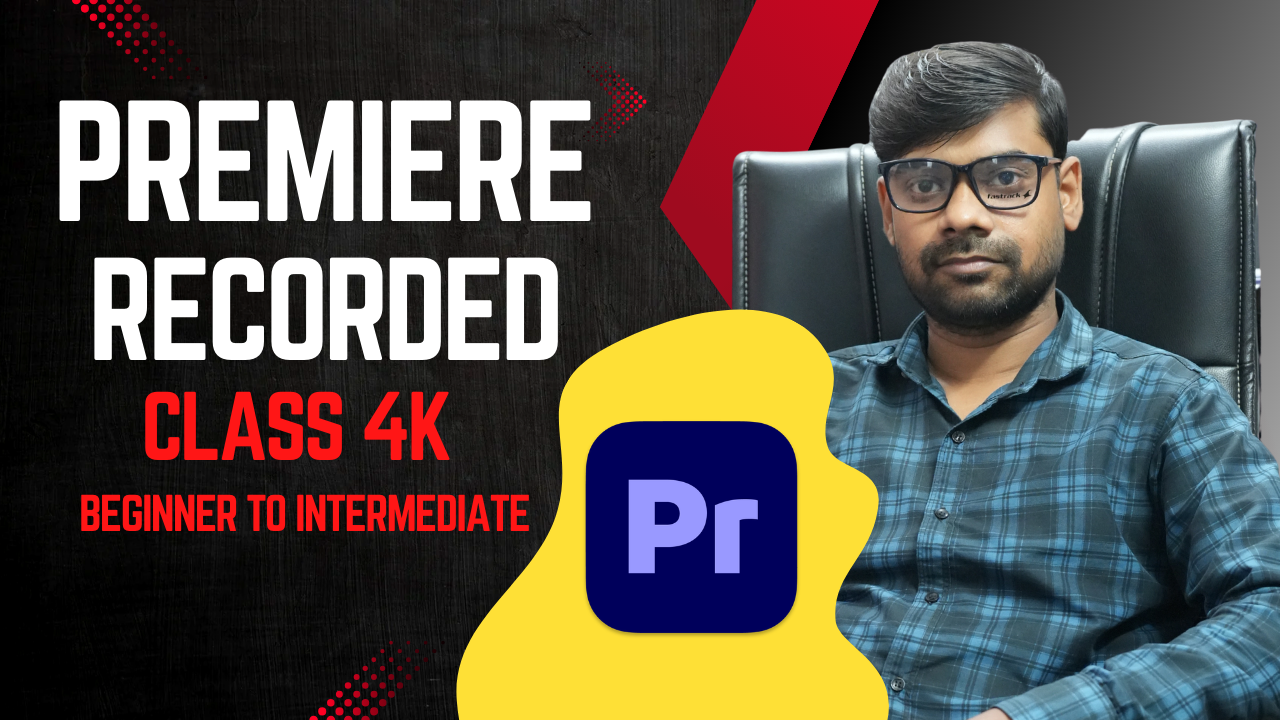
🎬 Adobe Premiere Pro – Wedding Video Editing Course
Original price was: ₹7,499.00.₹4,199.00Current price is: ₹4,199.00.
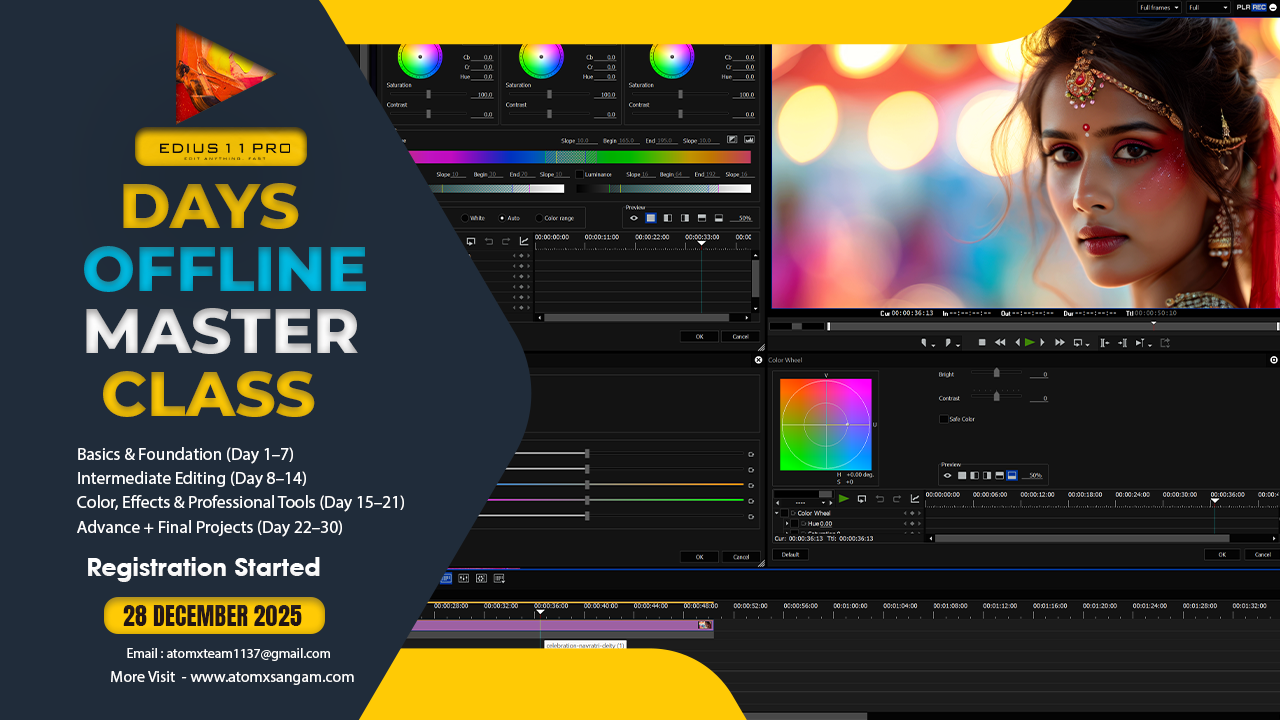
🎬 EDIUS Pro 11 – 30 Days Traditional & Cinematic Offline Video Editing Master Class
Original price was: ₹18,499.00.₹12,499.00Current price is: ₹12,499.00.

AtomX SANGAM IS A Video Editing Cinematography & Photography Learning Website Here You Are Taught Editing From Beginner to advance Level Offline Master Course

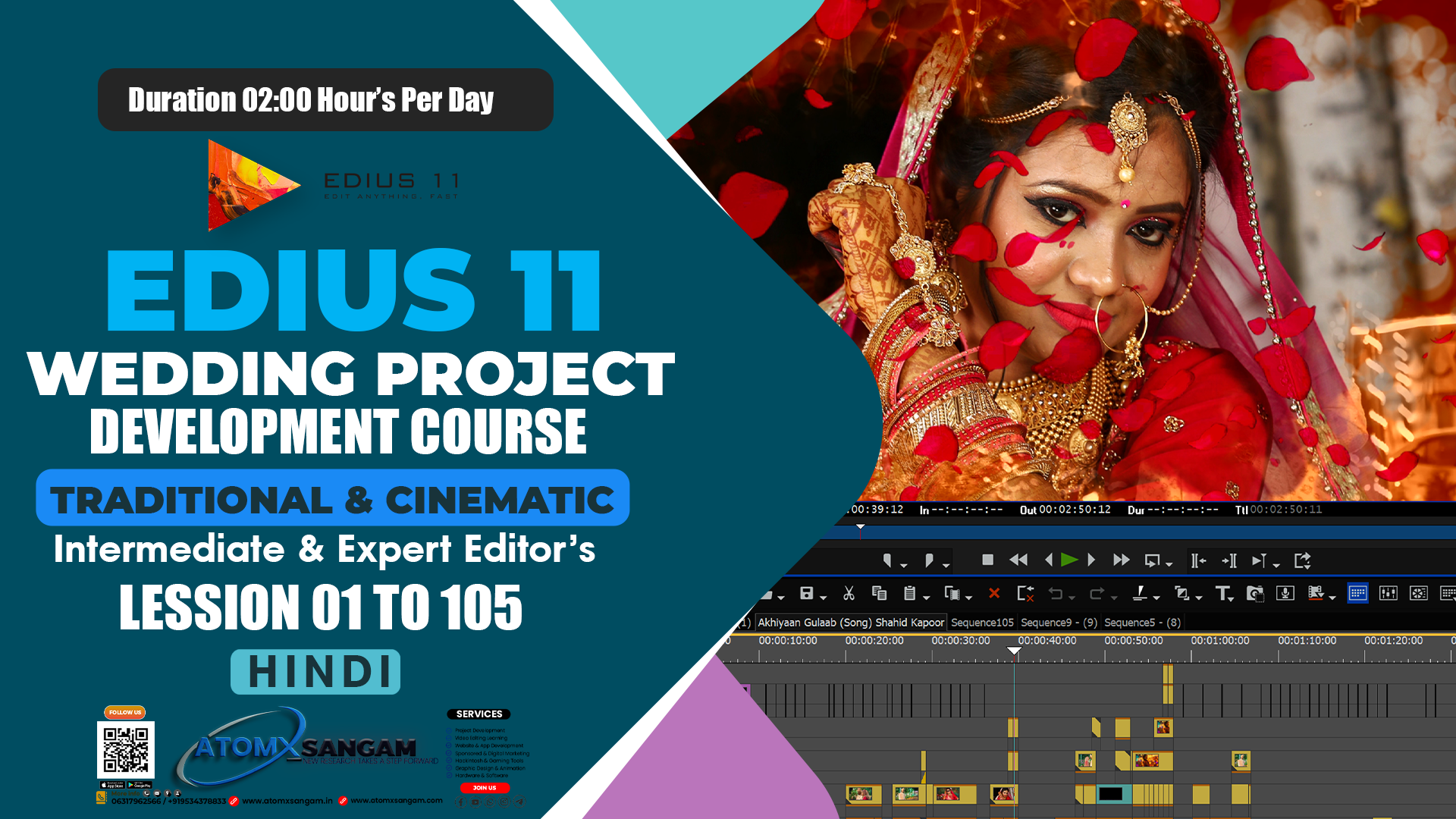
About Course
EDIUS Project Development में आप क्या सीखेंगे
1. Project Setup (प्रोजेक्ट बनाना)
-
सही Resolution, Frame Rate, Aspect Ratio सेट करना।
-
Project Folder Structure बनाना (Footage, Audio, Titles, LUTs, Export)।
2. Media Import & Organization (मीडिया इम्पोर्ट और ऑर्गनाइजेशन)
-
वीडियो, ऑडियो और फोटो इम्पोर्ट करना।
-
Bins/Folders में मीडिया को व्यवस्थित करना।
-
मीडिया की metadata और properties समझना।
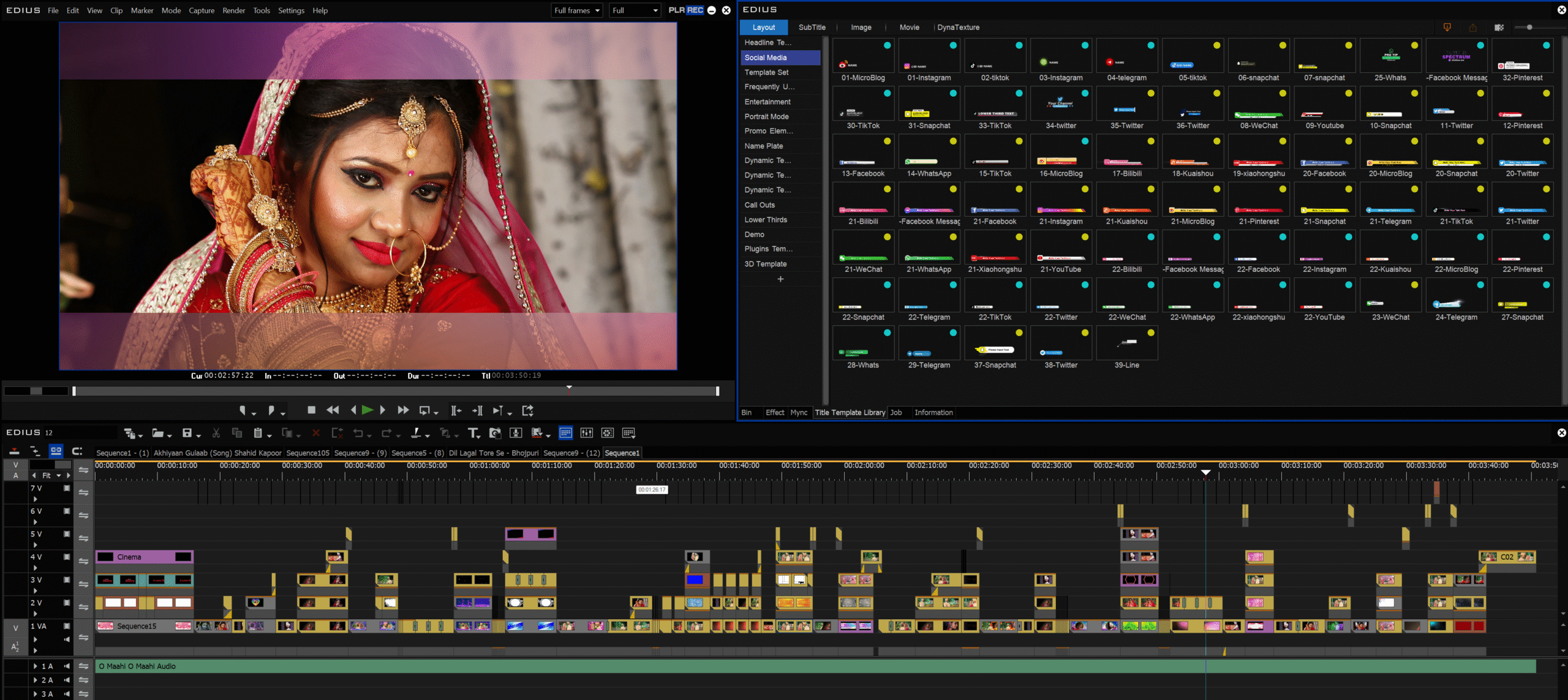
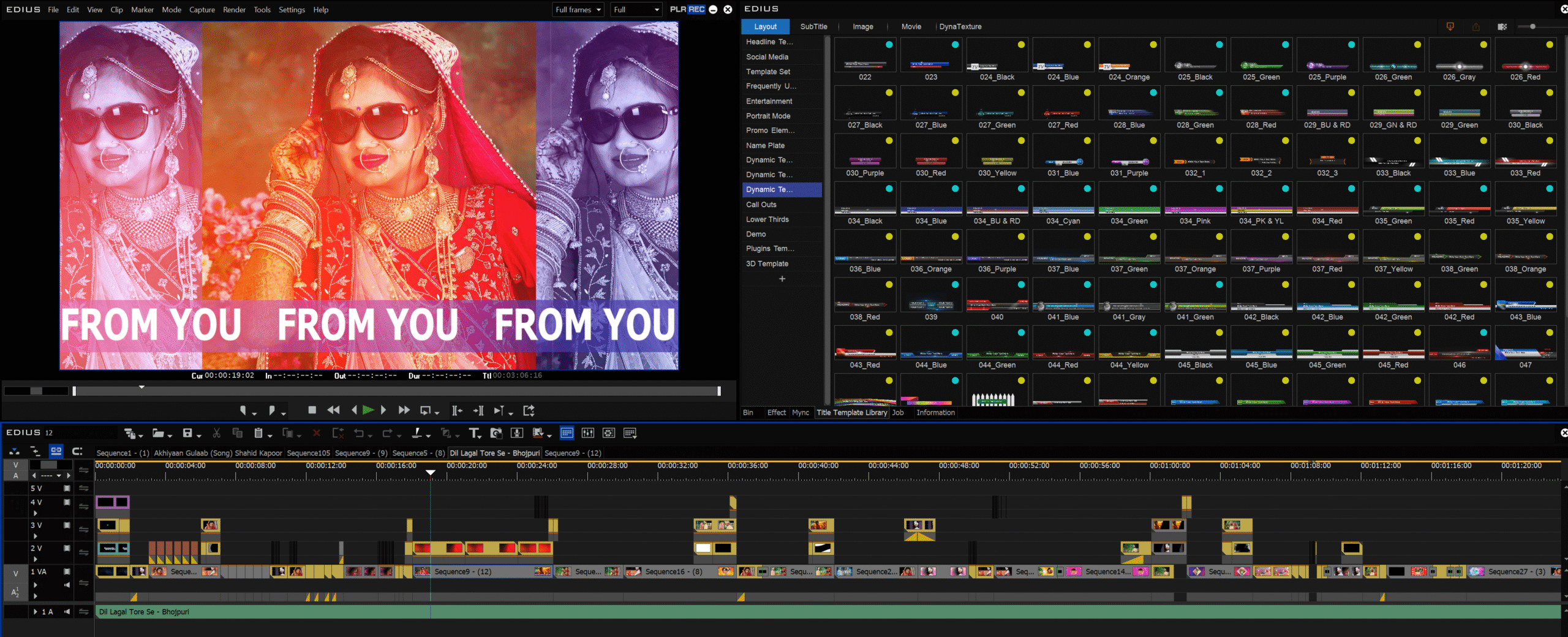
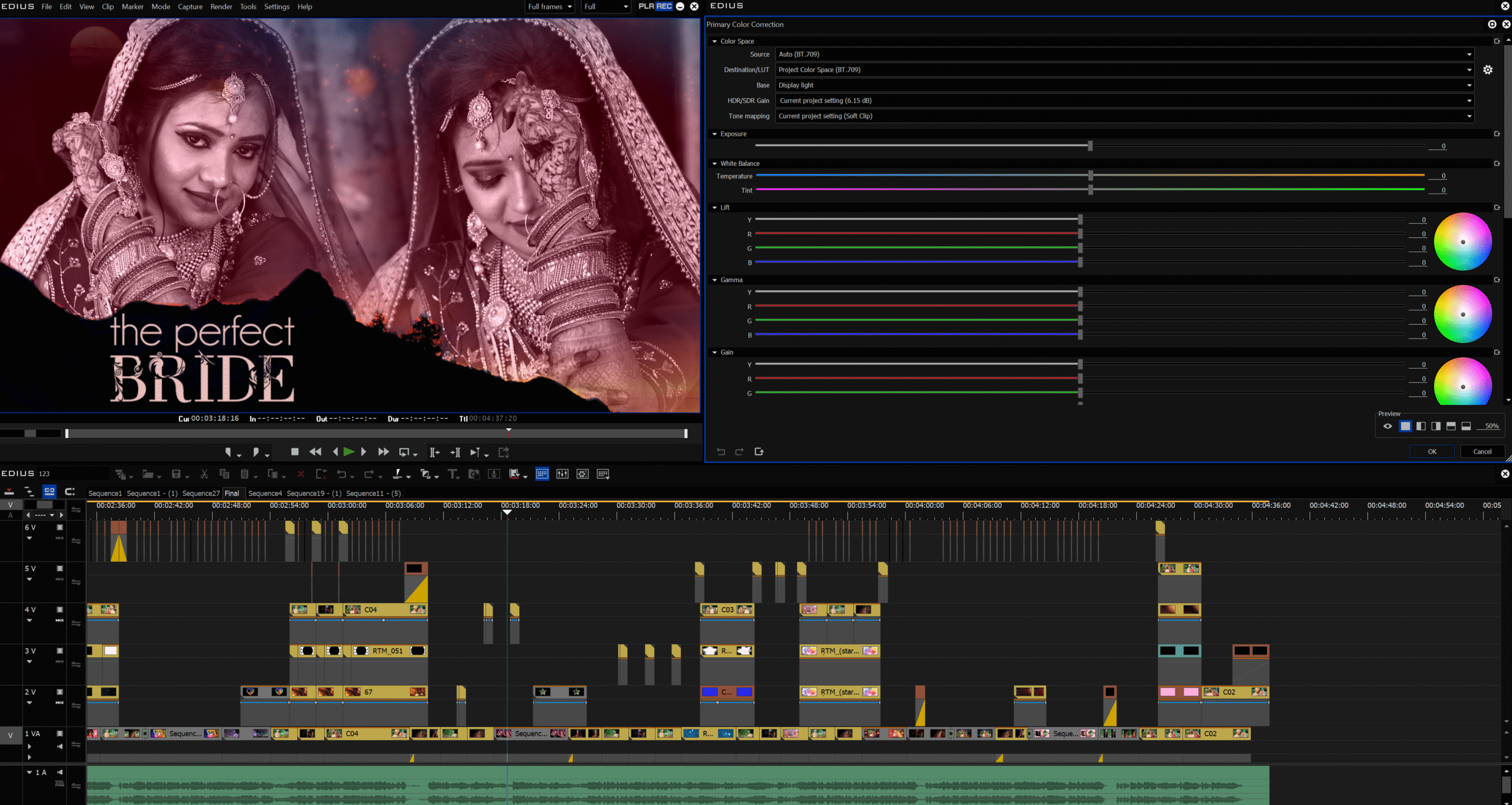
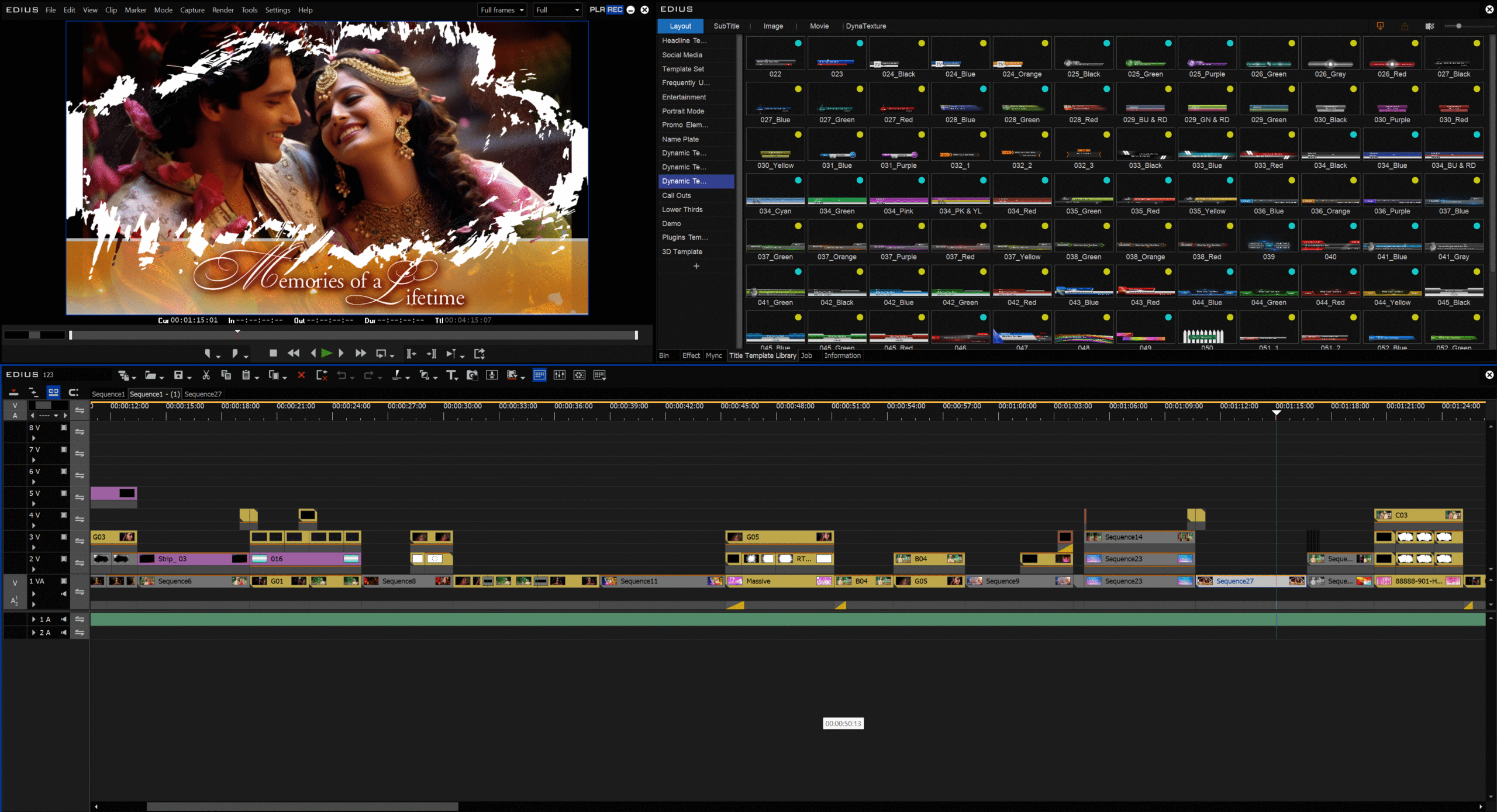 1. Project Setup
-
Create a new project with proper settings:
-
Resolution: 1920×1080 (Full HD) or 4K UHD
-
Frame Rate: 25fps / 30fps (or 24fps for cinematic feel)
-
Aspect Ratio: 16:9
-
-
Make a Master Project Folder on your drive:
-
📂 Footage
-
📂 Songs & Music
-
📂 Titles & Graphics
-
📂 LUTs / Presets
-
📂 Exports
-
2. Import & Organize
-
Import all clips into the Bin Window.
-
Create separate bins/folders:
-
Rituals (Haldi, Mehndi, Wedding, Reception)
-
Couple Shots / Candid
-
Family Clips
-
Drone Shots
-
Songs / Background Music
-
3. Rough Cut
-
Place all clips on the timeline in chronological order.
-
Remove unwanted parts (blurry or shaky shots).
-
Sync audio (for multicam shoots, use Multicam Mode → Sync by Audio/Timecode).
4. Fine Editing
-
Trim and clean the timeline.
-
Use simple transitions (Cut, Dissolve, Fade in/out).
-
Add Slow Motion / Speed Ramping for beautiful shots.
-
Keep key dialogues or ambient sounds (like vows, parents’ words, cheers).
5. Music & Sound Design
-
Add background music (Romantic, Emotional, Energetic).
-
Blend with live sound (claps, ambience).
-
Use Audio Mixer to balance Dialog > Music > Effects.
6. Titles & Graphics
-
Create an Opening Title with the couple’s name.
-
Add Lower Thirds for different ceremonies (e.g., Haldi Ceremony, Reception).
-
End with “Thank You / The Wedding of …” title card.
7. Color Correction & Cinematic Look
-
Correct white balance, exposure, contrast.
-
Apply LUTs or manual color grading for cinematic tone.
-
Use Cinematic Letterbox Bars (2.35:1) for a movie feel.
8. Final Export
-
Export in H.264 (MP4) or H.265.
-
Full HD Export → 20–40 Mbps.
-
4K Export → 50–100 Mbps.
-
Deliver two versions:
-
Full Length (1–2 hours) → Traditional style.
-
Highlight (5–15 minutes) → Cinematic style.
-
✅ Summary:
Wedding Project Development = Setup → Organize → Rough Cut → Fine Edit → Music → Titles → Color Grading → Export.
Benefits of the course
- EDIUS Project Development में आप क्या सीखेंगे
- 1. Project Setup (प्रोजेक्ट बनाना)
- • सही Resolution, Frame Rate, Aspect Ratio सेट करना।
- • Project Folder Structure बनाना (Footage, Audio, Titles, LUTs, Export)।
- 2. Media Import & Organization (मीडिया इम्पोर्ट और ऑर्गनाइजेशन)
- • वीडियो, ऑडियो और फोटो इम्पोर्ट करना।
- • Bins/Folders में मीडिया को व्यवस्थित करना।
- • मीडिया की metadata और properties समझना।
- 3. Timeline Editing (टाइमलाइन एडिटिंग)
- • Rough Cut करना (बेकार शॉट्स हटाना)।
- • Fine Editing: Trimming, Cutting, Slip, Slide, Roll Tools का उपयोग।
- • Multicam Editing (अगर कई कैमरे से शूट किया हो)।
- 4. Transitions & Effects (ट्रांज़िशन और इफेक्ट्स)
- • Fade In / Fade Out, Dissolve, Crossfade आदि।
- • Slow Motion, Speed Ramp, Motion Effects।
- • Video & Audio Effects का सही इस्तेमाल।
- 5. Titles & Graphics (टाइटल और ग्राफ़िक्स)
- • Opening Titles, Lower Thirds, End Credits बनाना।
- • Fonts, Colors, Shadows, Outline और Animation इस्तेमाल करना।
- 6. Color Correction & Grading (कलर करेक्शन और ग्रेडिंग)
- • Exposure, White Balance, Contrast, Saturation एडजस्ट करना।
- • LUTs और Cinematic Color Grading सीखना।
- 7. Audio Editing & Sound Design (ऑडियो एडिटिंग और साउंड डिजाइन)
- • Dialogue, Music और Ambient Sound का बैलेंस करना।
- • Audio Mixer और Volume Line का उपयोग।
- • Background Score और Effects डालना।
- 8. Project Export (प्रोजेक्ट का Export)
- • सही Format, Resolution, Bitrate, Frame Rate चुनना।
- • Full-Length Video और Cinematic Highlight Film दोनों Export करना।
- • Batch Export और Render Options सीखना।
- 9. Project Management Tips (प्रोजेक्ट मैनेजमेंट)
- • Media Relinking करना।
- • Backup और Folder Structure बनाए रखना।
- • Efficient Workflow और Time Management।
Instructor

TOP COURSE
More Course By AtomX Support
Final Cut Pro 12 Master Course Offline | Beginners, YouTubers, Event/Wedding Editors,Freelancers
🎬 Final Cut Pro में आप क्या सीखेंगे?…
Free
Learn More
💻 EDIUS Pro 11 – Wedding Video Editing 📽️ Traditional & Cinematic Style
🎬 35 Recorded Clip Master Class 💻 EDIUS Pro 11…
Original price was: ₹5,999.00.₹3,199.00Current price is: ₹3,199.00.
🎬 Adobe Premiere Pro – Wedding Video Editing Course
📚 Course Overview यह कोर्स उन लोगों के लिए है…

Original price was: ₹7,499.00.₹4,199.00Current price is: ₹4,199.00.
Explore All Products
Related Course
Final Cut Pro 12 Master Course Offline | Beginners, YouTubers, Event/Wedding Editors,Freelancers
🎬 Final Cut Pro में आप क्या सीखेंगे?…
Free
Learn More
🎬 EDIUS Pro 11 – 30 Days Traditional & Cinematic Offline Video Editing Master Class

Original price was: ₹18,499.00.₹12,499.00Current price is: ₹12,499.00.
🎬 Cinematic Video Editing in Final Cut Pro 11 | Offline Master Class
🎬 Cinematic Video Editing FCPX 11 …
Original price was: ₹19,500.00.₹15,499.00Current price is: ₹15,499.00.
💍 EDIUS Wedding Project Development (Step by Step) Duration 45 Day
Original price was: ₹59,000.00.₹45,999.00Current price is: ₹45,999.00.