Our Top Courses
🎬 Adobe Premiere Pro – Wedding Video Editing Course
Original price was: ₹7,499.00.₹4,199.00Current price is: ₹4,199.00.
💻 EDIUS Pro 11 – Wedding Video Editing 📽️ Traditional & Cinematic Style
Original price was: ₹5,999.00.₹3,199.00Current price is: ₹3,199.00.
🎬 EDIUS Pro 11 – 30 Days Traditional & Cinematic Offline Video Editing Master Class
Original price was: ₹18,499.00.₹12,499.00Current price is: ₹12,499.00.
🎬 Cinematic Video Editing in Final Cut Pro 11 | Offline Master Class
Original price was: ₹19,500.00.₹15,499.00Current price is: ₹15,499.00.

AtomX SANGAM IS A Video Editing Cinematography & Photography Learning Website Here You Are Taught Editing From Beginner to advance Level Offline Master Course

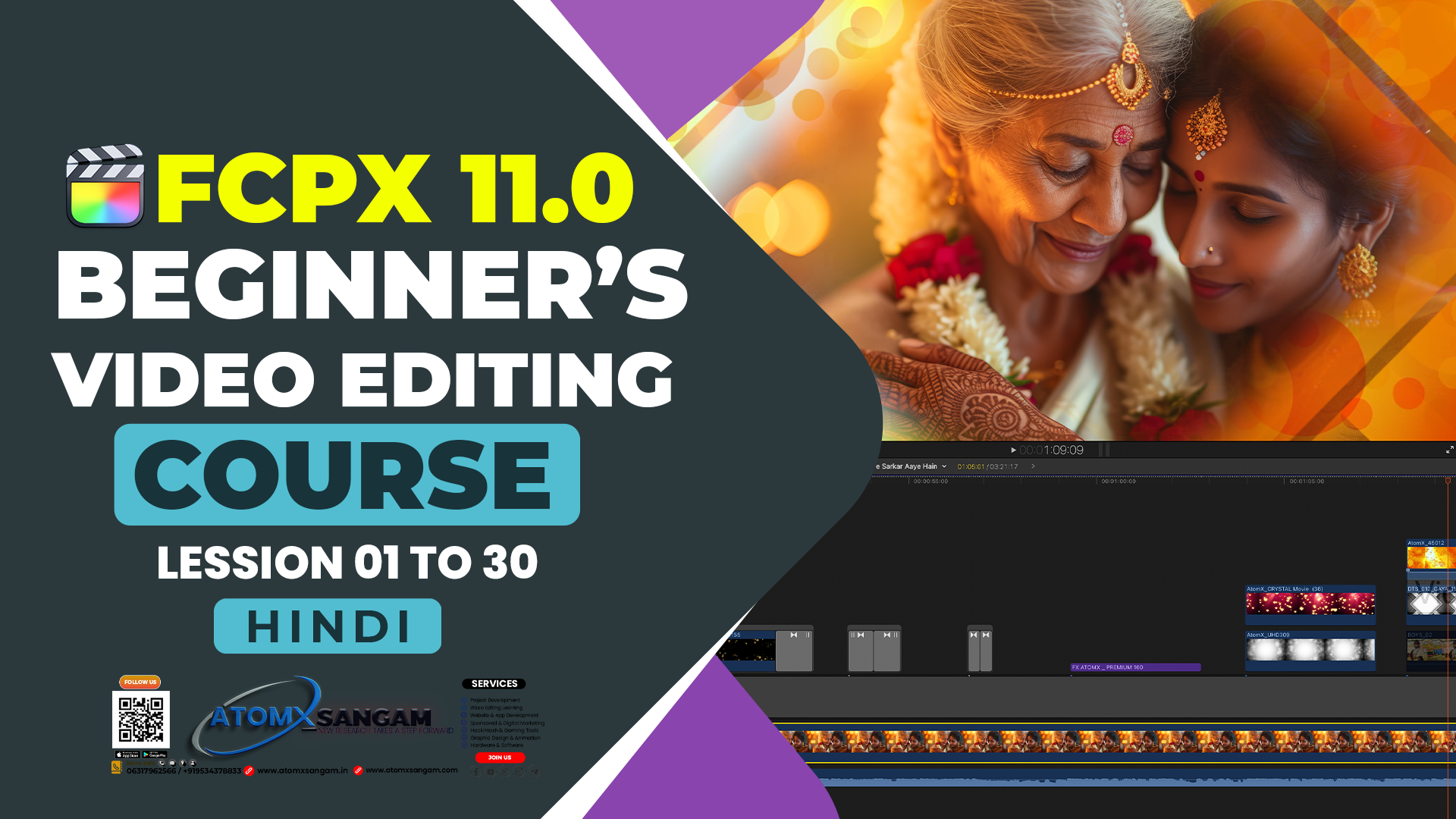
About Course
🎬 Final Cut Pro में आप क्या सीखेंगे?
1. बेसिक एडिटिंग
-
वीडियो, ऑडियो और इमेज इम्पोर्ट करना।
-
इंटरफ़ेस समझना: टाइमलाइन, ब्राउज़र, व्यूअर।
-
कट, ट्रिम और क्लिप्स को अरेंज करना।
2. ट्रांज़िशन और इफेक्ट्स
-
क्लिप्स के बीच स्मूथ ट्रांज़िशन लगाना।
-
इन-बिल्ट वीडियो और ऑडियो इफेक्ट्स का इस्तेमाल।
-
स्लो मोशन, स्पीड रैम्प और वीडियो स्टेबलाइज़ करना।
3. ऑडियो एडिटिंग
-
आवाज़ का लेवल एडजस्ट करना, नॉइज़ हटाना।
-
वीडियो और ऑडियो को सिंक करना।
-
बैकग्राउंड म्यूज़िक, साउंड इफेक्ट्स और वॉइस ओवर जोड़ना।
4. टाइटल्स और ग्राफिक्स
-
सबटाइटल्स, लोअर थर्ड्स और एनिमेटेड टेक्स्ट डालना।
-
इंट्रो और आउट्रो बनाना।
-
Motion टेम्पलेट्स से एडवांस ग्राफिक्स बनाना।
5. मल्टी-कैम एडिटिंग
-
एक साथ कई कैमरों की फुटेज एडिट करना।
-
रीयल-टाइम में कैमरा एंगल बदलना।
6. कलर करेक्शन और ग्रेडिंग
-
एक्सपोज़र, व्हाइट बैलेंस और सैचुरेशन ठीक करना।
-
कलर व्हील और कर्व्स से सिनेमैटिक लुक देना।
-
LUTs और कस्टम कलर ग्रेडिंग का इस्तेमाल।
7. वर्कफ़्लो और ऑर्गनाइज़ेशन
-
लाइब्रेरी, इवेंट और प्रोजेक्ट्स का इस्तेमाल।
-
4K/8K एडिटिंग के लिए प्रॉक्सी वर्कफ़्लो।
-
मीडिया मैनेजमेंट और स्टोरेज टिप्स।
8. एडवांस टेक्निक्स
-
की-फ्रेमिंग (Zoom, Pan, Move) एनिमेशन बनाना।
-
ग्रीन स्क्रीन (Chroma Key) एडिटिंग।
-
थर्ड-पार्टी प्लगइन्स से VFX बनाना।
9. एक्सपोर्टिंग
-
अलग-अलग फॉर्मेट में वीडियो सेव करना (MP4, ProRes आदि)।
-
YouTube, Instagram, TV या फिल्म के लिए सही सेटिंग्स।
-
हाई-क्वालिटी फाइनल रेंडर बनाना।
1. Basics of Editing
-
Importing and organizing media (video, audio, images).
-
Understanding the interface: timeline, browser, viewer.
-
Cutting, trimming, and arranging clips.
2. Transitions & Effects
-
Adding smooth transitions between clips.
-
Using built-in video & audio effects.
-
Creating slow motion, speed ramps, and stabilization.
3. Audio Editing
-
Adjusting audio levels, removing noise.
-
Syncing audio with video.
-
Adding background music, sound effects, and voice-overs.
4. Titles & Graphics
-
Adding subtitles, lower thirds, and animated text.
-
Creating intro/outro titles.
-
Using Motion templates for advanced graphics.
5. Multicam Editing
-
Editing footage from multiple cameras at once.
-
Switching angles in real time.
6. Color Correction & Grading
-
Fixing exposure, white balance, and saturation.
-
Using color wheels and curves for cinematic looks.
-
Applying LUTs and custom color grades.
7. Workflow & Organization
-
Using Libraries, Events, and Projects.
-
Proxy workflow for 4K/8K editing.
-
Media management and storage tips.
8. Advanced Techniques
-
Keyframing animations (zoom, pan, move).
-
Green screen (chroma key) editing.
-
Using third-party plugins for VFX.
9. Exporting
-
Exporting in different formats (MP4, ProRes, etc.).
-
Settings for YouTube, Instagram, TV, or film.
-
Mastering high-quality final renders.
Benefits of the course
- 🎬 Final Cut Pro में आप क्या सीखेंगे?
- 1. बेसिक एडिटिंग
- वीडियो, ऑडियो और इमेज इम्पोर्ट करना।
- इंटरफ़ेस समझना: टाइमलाइन, ब्राउज़र, व्यूअर।
- कट, ट्रिम और क्लिप्स को अरेंज करना।
- 2. ट्रांज़िशन और इफेक्ट्स
- क्लिप्स के बीच स्मूथ ट्रांज़िशन लगाना।
- इन-बिल्ट वीडियो और ऑडियो इफेक्ट्स का इस्तेमाल।
- स्लो मोशन, स्पीड रैम्प और वीडियो स्टेबलाइज़ करना।
- 3. ऑडियो एडिटिंग
- आवाज़ का लेवल एडजस्ट करना, नॉइज़ हटाना।
- वीडियो और ऑडियो को सिंक करना।
- बैकग्राउंड म्यूज़िक, साउंड इफेक्ट्स और वॉइस ओवर जोड़ना।
- 4. टाइटल्स और ग्राफिक्स
- सबटाइटल्स, लोअर थर्ड्स और एनिमेटेड टेक्स्ट डालना।
- इंट्रो और आउट्रो बनाना।
- Motion टेम्पलेट्स से एडवांस ग्राफिक्स बनाना।
- 5. मल्टी-कैम एडिटिंग
- एक साथ कई कैमरों की फुटेज एडिट करना।
- रीयल-टाइम में कैमरा एंगल बदलना।
- 6. कलर करेक्शन और ग्रेडिंग
- एक्सपोज़र, व्हाइट बैलेंस और सैचुरेशन ठीक करना।
- कलर व्हील और कर्व्स से सिनेमैटिक लुक देना।
- LUTs और कस्टम कलर ग्रेडिंग का इस्तेमाल।
- 7. वर्कफ़्लो और ऑर्गनाइज़ेशन
- लाइब्रेरी, इवेंट और प्रोजेक्ट्स का इस्तेमाल।
- 4K/8K एडिटिंग के लिए प्रॉक्सी वर्कफ़्लो।
- मीडिया मैनेजमेंट और स्टोरेज टिप्स।
- 8. एडवांस टेक्निक्स
- की-फ्रेमिंग (Zoom, Pan, Move) एनिमेशन बनाना।
- ग्रीन स्क्रीन (Chroma Key) एडिटिंग।
- थर्ड-पार्टी प्लगइन्स से VFX बनाना।
- 9. एक्सपोर्टिंग
- अलग-अलग फॉर्मेट में वीडियो सेव करना (MP4, ProRes आदि)।
- YouTube, Instagram, TV या फिल्म के लिए सही सेटिंग्स।
- हाई-क्वालिटी फाइनल रेंडर बनाना।
- 1. Basics of Editing
- Importing and organizing media (video, audio, images).
- Understanding the interface: timeline, browser, viewer.
- Cutting, trimming, and arranging clips.
- 2. Transitions & Effects
- Adding smooth transitions between clips.
- Using built-in video & audio effects.
- Creating slow motion, speed ramps, and stabilization.
- 3. Audio Editing
- Adjusting audio levels, removing noise.
- Syncing audio with video.
- Adding background music, sound effects, and voice-overs.
- 4. Titles & Graphics
- Adding subtitles, lower thirds, and animated text.
- Creating intro/outro titles.
- Using Motion templates for advanced graphics.
- 5. Multicam Editing
- Editing footage from multiple cameras at once.
- Switching angles in real time.
- 6. Color Correction & Grading
- Fixing exposure, white balance, and saturation.
- Using color wheels and curves for cinematic looks.
- Applying LUTs and custom color grades.
- 7. Workflow & Organization
- Using Libraries, Events, and Projects.
- Proxy workflow for 4K/8K editing.
- Media management and storage tips.
- 8. Advanced Techniques
- Keyframing animations (zoom, pan, move).
- Green screen (chroma key) editing.
- Using third-party plugins for VFX.
- 9. Exporting
- Exporting in different formats (MP4, ProRes, etc.).
- Settings for YouTube, Instagram, TV, or film.
- Mastering high-quality final renders.
Instructor

TOP COURSE
More Course By AtomX Support
🎬 Adobe Premiere Pro – Wedding Video Editing Course
📚 Course Overview यह कोर्स उन लोगों के लिए है…

Original price was: ₹7,499.00.₹4,199.00Current price is: ₹4,199.00.
💻 EDIUS Pro 11 – Wedding Video Editing 📽️ Traditional & Cinematic Style
🎬 35 Recorded Clip Master Class 💻 EDIUS Pro 11…
Original price was: ₹5,999.00.₹3,199.00Current price is: ₹3,199.00.
🎬 EDIUS Pro 11 – 30 Days Traditional & Cinematic Offline Video Editing Master Class

Original price was: ₹18,499.00.₹12,499.00Current price is: ₹12,499.00.
Explore All Products
Related Course
🎬 EDIUS Pro 11 – 30 Days Traditional & Cinematic Offline Video Editing Master Class
Original price was: ₹18,499.00.₹12,499.00Current price is: ₹12,499.00.
🎬 Cinematic Video Editing in Final Cut Pro 11 | Offline Master Class
🎬 Cinematic Video Editing FCPX 11 …
Original price was: ₹19,500.00.₹15,499.00Current price is: ₹15,499.00.
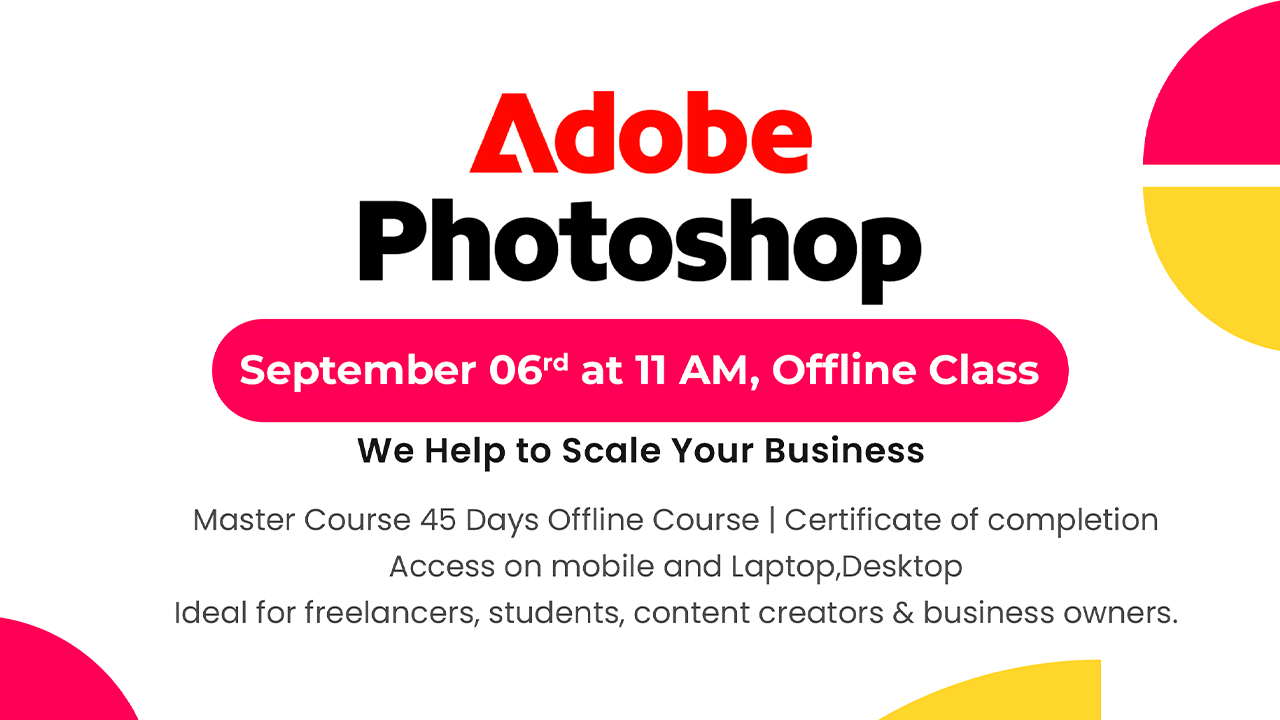
Adobe Photoshop Course For Beginners in Hindi | Offline Master Class
Adobe Photoshop Course For Beginners in Hindi | Offline Master…
Original price was: ₹16,500.00.₹12,500.00Current price is: ₹12,500.00.
Final Cut Pro 11 Master Course Offline | Beginners, YouTubers, Event/Wedding Editors,Freelancers
Original price was: ₹30,000.00.₹18,499.00Current price is: ₹18,499.00.